
ACS Mobile2.0.3 - App Store
You'll be able to see results in few seconds.
Publisher Description
IMPORTANT NOTICE—THIS APP IS BEING DISCONTIUED
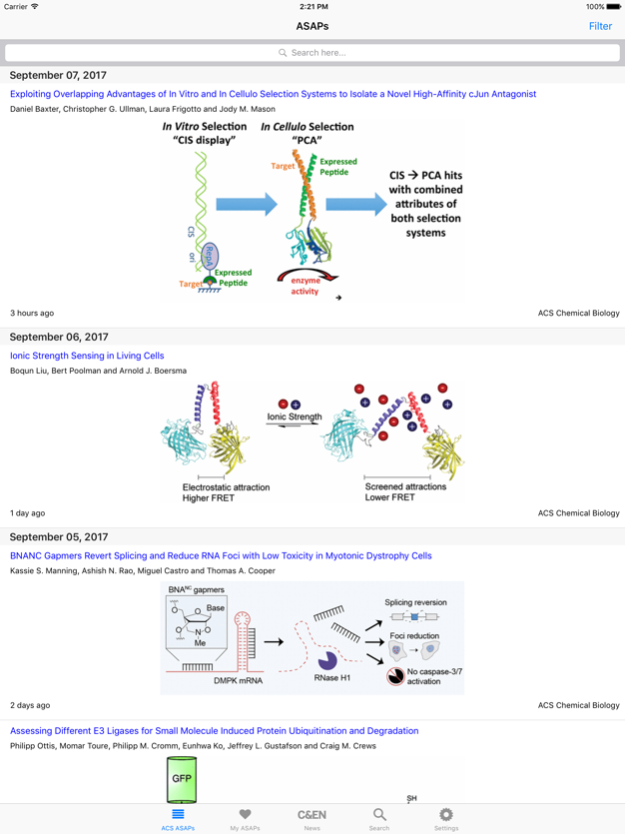
ACS Mobile provides readers with a searchable, multi-journal, up-to-the-minute live stream of new peer-reviewed research content (Articles ASAP) published across the Society's preeminent portfolio of scholarly research journals, including the flagship Journal of the American Chemical Society. The application also includes a "Latest News" feed from Chemical and Engineering News -- the Society's industry-leading magazine and preferred source of online news. ACS Mobile makes a scientist's daily commute, business travel, or time away from the desk or laboratory a more rewarding and productive experience.
ACS Mobile offers the following features:
* Up-to-the minute access to new ACS ASAP Articles, personalized across the entire portfolio of over 50 peer-reviewed ACS Journals
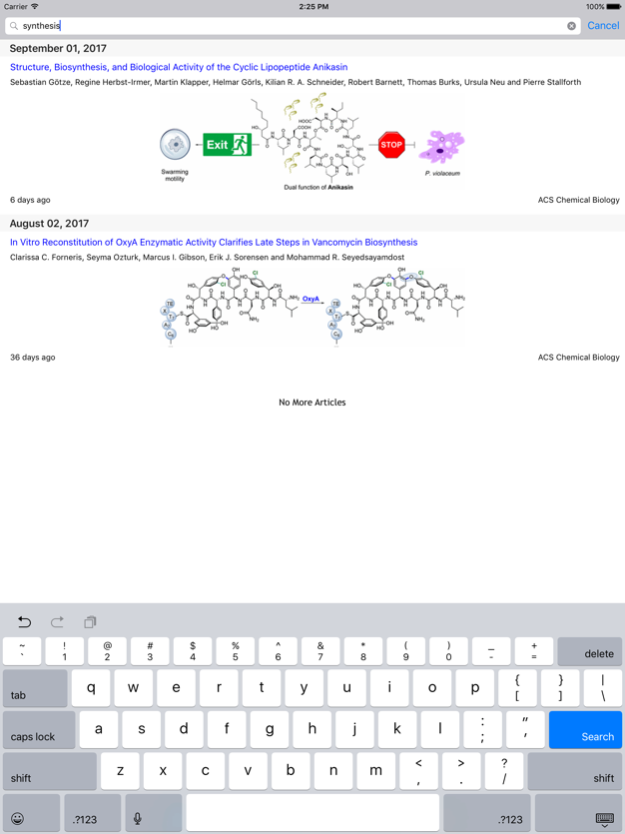
* Tailored "on the fly" filtering options for viewing content from selected ACS titles
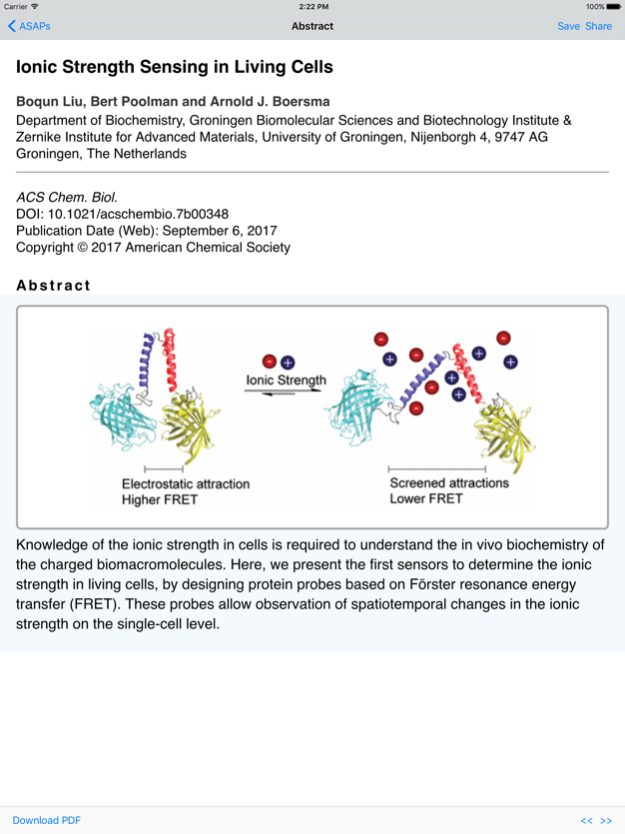
* Delivery of an indexed list of more than 40,000 research articles published annually, complete with graphical and text abstracts
* Automatic saving of abstracts for offline reading
* A "Latest News" feed from Chemical & Engineering News Online
* Saving of favorites in a "My ASAPs" folder for convenient offline reading and pushing back to your usual research setting
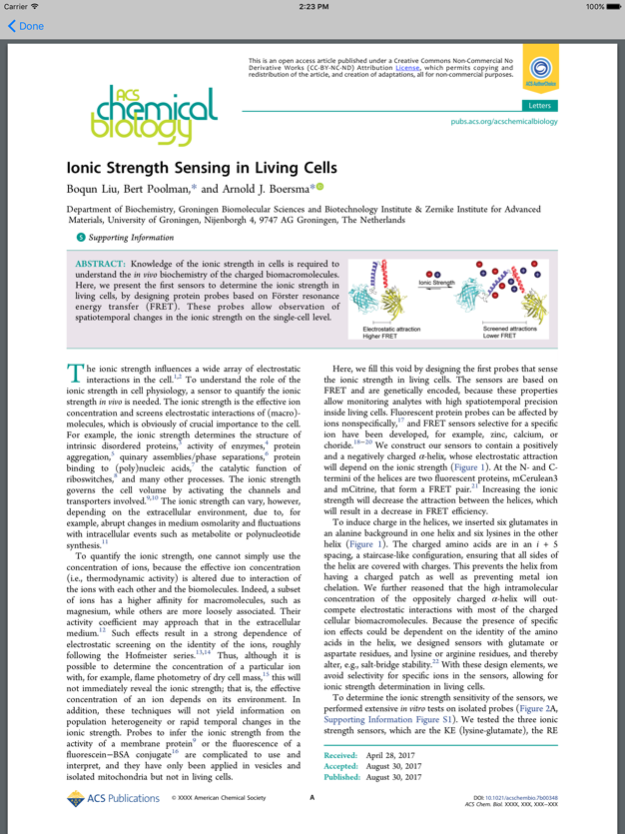
* Interface to full-text article access (via wireless or Virtual Private Networks) for users at institutions that subscribe to ACS Journals
* Sharing of links and snippets via e-mail, Facebook, Twitter and other options
Stay current. Get ACS Mobile today.
Apr 25, 2018
Version 2.0.3
This app has been updated by Apple to display the Apple Watch app icon.
Minor performance and security enhancements
About ACS Mobile
The company that develops ACS Mobile is American Chemical Society. The latest version released by its developer is 2.0.3.
To install ACS Mobile on your iOS device, just click the green Continue To App button above to start the installation process. The app is listed on our website since 2018-04-25 and was downloaded 0 times. We have already checked if the download link is safe, however for your own protection we recommend that you scan the downloaded app with your antivirus. Your antivirus may detect the ACS Mobile as malware if the download link is broken.
How to install ACS Mobile on your iOS device:
- Click on the Continue To App button on our website. This will redirect you to the App Store.
- Once the ACS Mobile is shown in the iTunes listing of your iOS device, you can start its download and installation. Tap on the GET button to the right of the app to start downloading it.
- If you are not logged-in the iOS appstore app, you'll be prompted for your your Apple ID and/or password.
- After ACS Mobile is downloaded, you'll see an INSTALL button to the right. Tap on it to start the actual installation of the iOS app.
- Once installation is finished you can tap on the OPEN button to start it. Its icon will also be added to your device home screen.
Program Details
System requirements
Download information
Pricing
Version History
version 2.0.3
posted on 2018-04-25
Apr 25, 2018
Version 2.0.3
This app has been updated by Apple to display the Apple Watch app icon.
Minor performance and security enhancements
version 1.6
posted on 2010-03-12
Disclaimer
Official App Store Link
We do not host ACS Mobile on our servers. We did not scan it for viruses, adware, spyware or other type of malware. This app is hosted by Apple and passed their terms and conditions to be listed there. We recommend caution when installing it.
The App Store link for ACS Mobile is provided to you by apps112.com without any warranties, representations or guarantees of any kind, so access it at your own risk.
If you have questions regarding this particular app contact the publisher directly. For questions about the functionalities of apps112.com contact us.
